
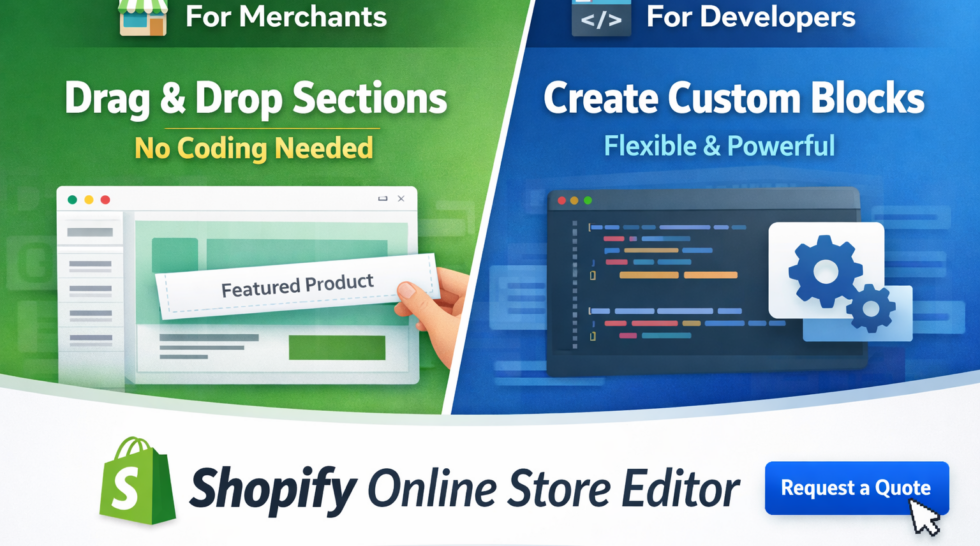
The Shopify Online Store Editor is one of the most powerful features that makes building and customizing an eCommerce store simple, flexible, and scalable. Whether you’re a merchant with no coding experience or a developer building advanced themes, Shopify provides the tools you need.
For Merchants: Build Your Store Without Coding
Shopify’s Online Store Editor empowers merchants to design and customize their storefront visually—no coding required.
Key Benefits:
- Drag & Drop Sections
Easily add, remove, and rearrange sections like banners, product lists, testimonials, and more. - Real-time Preview
See changes instantly as you edit your store. - Flexible Customization
Adjust text, images, colors, layouts, and spacing directly in the editor. - No Technical Knowledge Needed
You can create a professional-looking store without touching a single line of code.
👉 This means merchants can focus on selling products and optimizing customer experience instead of worrying about development.
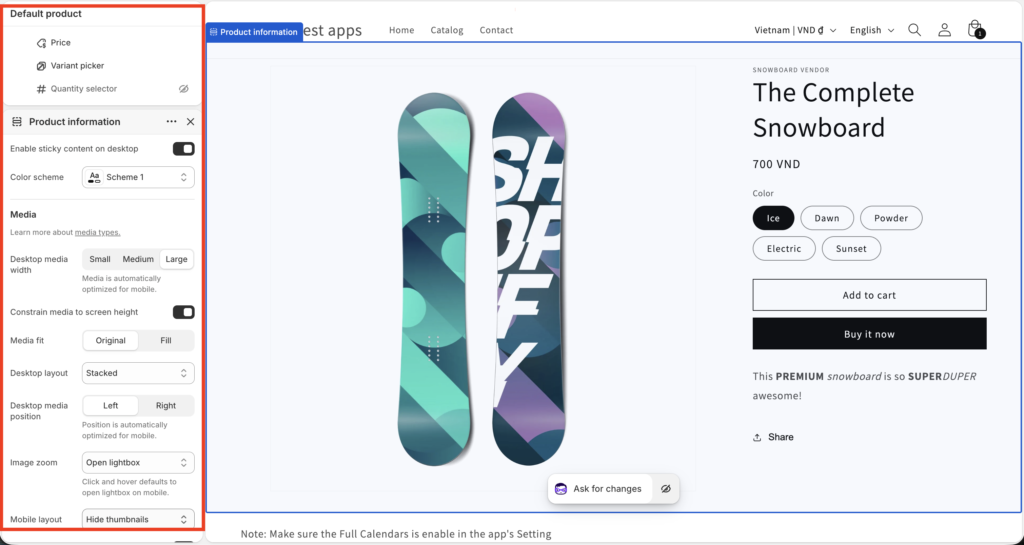
For Developers: Build Flexible & Reusable Components
For developers, Shopify offers a powerful theme architecture using sections and blocks, allowing you to create highly customizable experiences.
What You Can Do:
- Create Custom Sections
Build reusable sections (e.g., hero banners, product grids, FAQs). - Add Blocks for Flexibility
Allow merchants to add, remove, and reorder content inside sections. - Expose Settings
Enable merchants to customize:
* Text content
* Colors and styles
* Layout options
* Images and media - Dynamic Templates
Assign different templates to products, collections, or pages.
👉 Developers build the structure, and merchants control the content—this is the true power of Shopify’s design system.
Real Example: Huskify – Request For Quote App
Our app, Huskify – Request For Quote, is built to integrate seamlessly with the Shopify Online Editor.
How It Works:
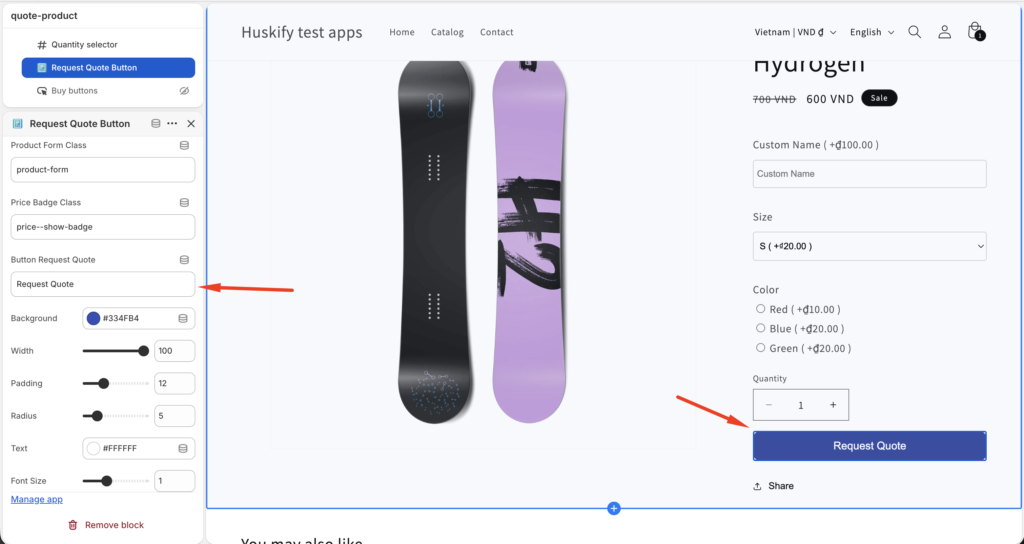
- Merchants can add a “Request Quote” button directly to the product page using the theme editor.
- The button behaves like a native Shopify section/block.
Customization Options:
- Change button text (e.g., “Request a Quote”, “Get Price”)
- Customize colors (text, background)
- Adjust style and positioning
👉 No coding required—just drag, drop, and configure.
This ensures the feature fits perfectly with your store’s design while giving customers an easy way to request pricing.
Why This Matters
The combination of:
- Visual editing for merchants
- Flexible architecture for developers
…creates a powerful ecosystem where stores can evolve quickly without constant developer involvement.
Conclusion
The Shopify Online Store Editor bridges the gap between usability and flexibility:
- Merchants get full control without code
- Developers can build scalable, customizable systems