Table of Contents
Mobile Booking Management while you’re away from your computer is now easier with Huskify Desk.
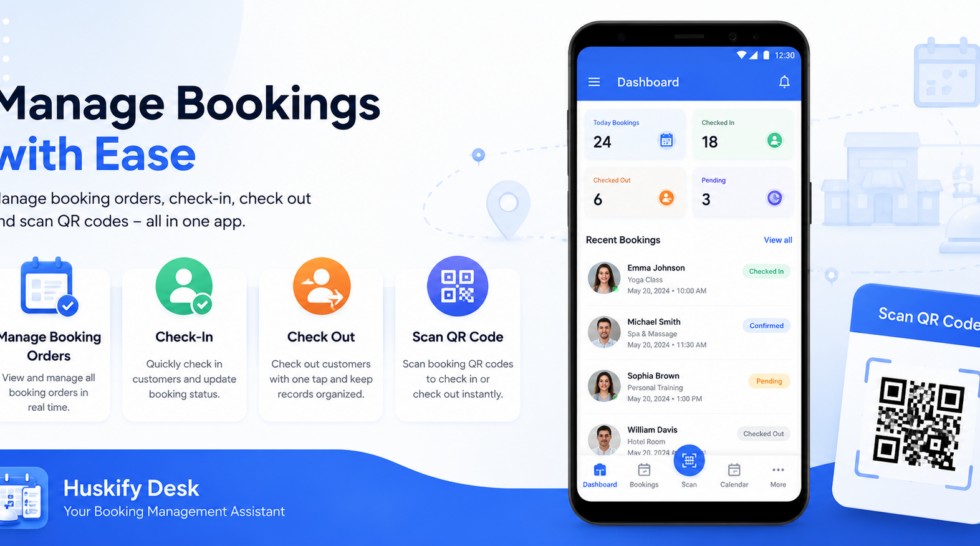
Huskify Desk is a mobile app designed for merchants using Huskify Appointment Booking. It allows you and your staff to manage booking orders, check customers in and out, and control access based on staff roles—all from your mobile device.
What Is Huskify Desk?
Huskify Desk works together with the Huskify Appointment Booking app on your Shopify store.
After installing Huskify Appointment Booking, merchants can download Huskify Desk from the Google Play Store and connect the app to their Shopify store.
Once connected, you can manage your booking operations directly from your phone.
How to Get Started
1. Install Huskify Appointment Booking
First, install Huskify Appointment Booking on your Shopify store and complete the basic setup.
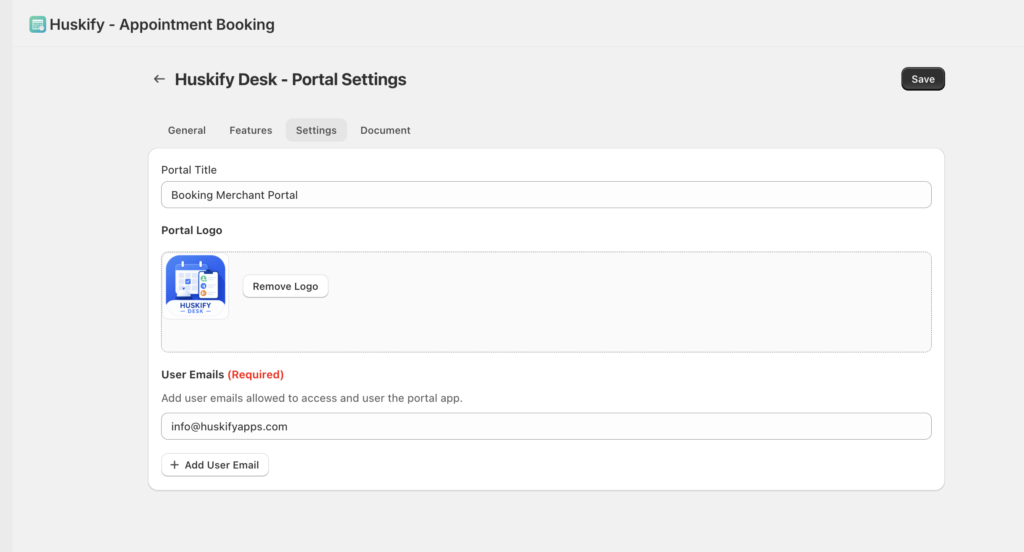
Once the app is installed, go to Portal Settings in the booking app.
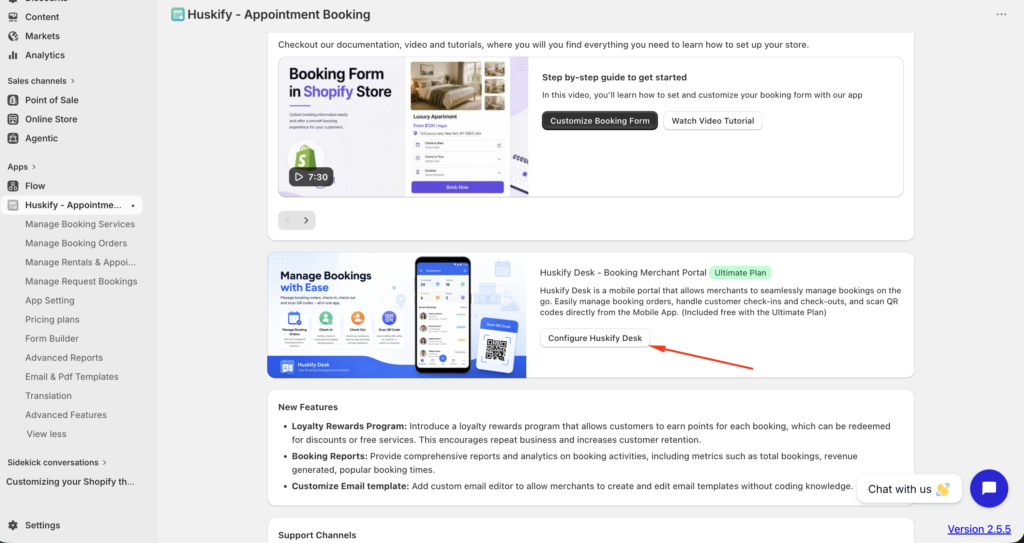
Here you can configure your booking portal information, including:
- Portal Title
- Logo
- Users
2. Download Huskify Desk
Download Huskify Desk from the Google Play Store and open the app.
On the connection screen, enter your Shopify store URL.
For example: your-store.myshopify.com
Then tap Connect.

3. Create Your Huskify Desk Account
After successfully connecting your store, you need to create a user account for Huskify Desk.
On the Create New Account screen, tap Send Verification Code.

A verification code will be sent to the store owner’s email address.
Check the store owner’s email, enter the verification code in Huskify Desk, and tap Continue.
4. Complete Your Account Registration
After the verification code is confirmed, enter your:
- Email address
- Password
Then complete the registration process.

Once your account has been created successfully, log in to Huskify Desk and start managing your bookings.
What Can You Do With Huskify Desk?
Manage Booking Orders
View and manage booking orders from your mobile device.
You can quickly access booking information and manage your customers’ bookings without needing to open your Shopify admin on a computer.

Check In & Check Out Customers
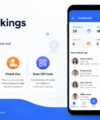
When a customer arrives to use your booking service, staff can use Huskify Desk to check them in.
When the service is completed, staff can also check the customer out.
This makes it easier to manage the entire customer journey from arrival to completion.
Staff can Check In – Check out for customer by Order, email, Phone or Scan QR- code in Booking Invoice.

Manage Bookings
Keep track of your bookings and manage booking information directly from the app.
Whether you operate a hotel, class, salon, rental service, event, or another booking-based business, Huskify Desk gives your team a convenient way to manage bookings on the go
Manage Multiple Staff Members With Roles
If your business has multiple staff members, you don’t have to give everyone full access.
You can assign different roles and permissions to your staff members based on their responsibilities.
For example:
- Booking Manager — Manage booking orders and booking information.
- Check-in / Check-out Staff — Check customers in and out.
- Administrator — Access and manage multiple areas of the booking operation.
With role-based permissions, you can give each staff member access to the tasks they need while keeping other areas restricted.

Manage Your Booking Business From Anywhere
With Huskify Appointment Booking + Huskify Desk, you can manage your booking business more efficiently.
Set up your booking service in Shopify, connect Huskify Desk, create accounts for your staff, and start managing bookings directly from your mobile device.
Huskify Desk — Your booking management assistant, right in your pocket.