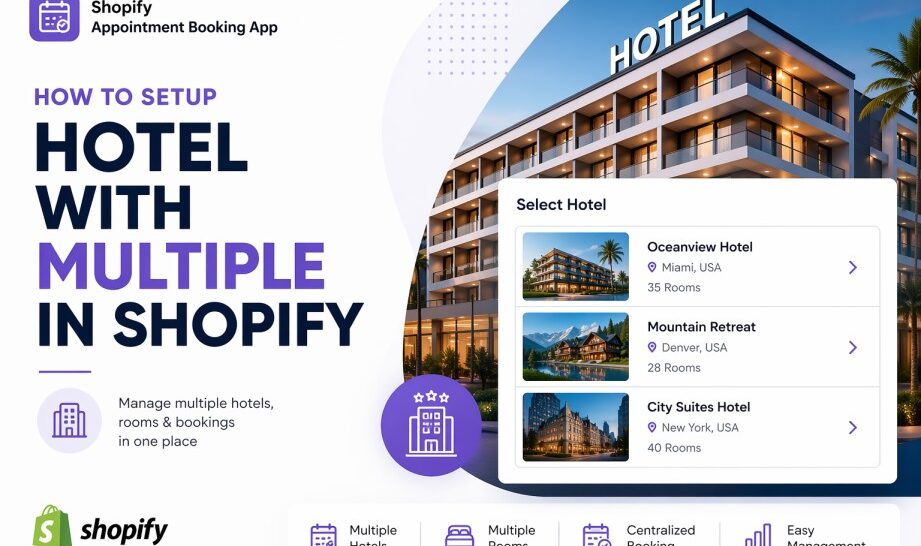
Running a hotel on Shopify? Huskify – Appointment Booking makes it easy to manage multiple room types, flexible pricing, add-on services, and payment options — all from one place. This guide walks you through every step so you can start taking hotel reservations directly from your Shopify store.
Why use Huskify for your hotel?
Huskify is built for service businesses that need flexible booking logic — and hotels are a perfect fit. Whether you’re managing a boutique property or a multi-floor accommodation, Huskify lets you mirror your real-world setup directly inside Shopify without any coding.
Step 1 — Create your room types
Start by creating a separate service in Huskify for each room category at your hotel. This gives you full control over each type’s availability, pricing, and included perks.
| Room type | Example capacity | Typical use |
|---|---|---|
| Single | 1 guest | Solo travellers, business trips |
| Double | 2 guests | Couples, weekend getaways |
| Family | 3–5 guests | Family holidays, group stays |
You can add as many room types as you need. Each type is treated as its own bookable service, so guests only see availability that matches their chosen room.
Step 2 — Configure dates, availability & pricing
Our app gives you complete flexibility to set different rules per room type. This is especially useful during peak seasons, holidays, or special promotions.
- Set available date ranges
Define which dates each room type can be booked. Easily block off renovation periods, seasonal closures, or maintenance windows. - Control capacity per date
Set how many rooms of each type are available on any given day. If you have 3 Family rooms, cap it at 3 so you never get overbooked. - Set flexible pricing
Price rooms differently by day or season. Charge a weekend rate for Double rooms, or set a holiday premium for the Family category.
Step 3 — Add extra add-ons
Give guests the option to personalise their stay with paid extras. In Huskify, you can attach optional add-ons to any room type so they appear at checkout as upsells.
Popular add-ons for hotels include:
🎮 Game room access, 🏋️ Gym pass, 🎣 Fishing session
Each add-on has its own price, so you can offer a Gym pass for $10/day or a Fishing session for $25 — whatever suits your property. Guests simply tick what they want before confirming their booking.
Step 4 — Set services and facilities
Beyond paid add-ons, you can also show what’s already included with each room, which sets clear expectations and builds trust with your guests.
Services included
☕ Breakfast, 🧹 Daily cleaning, 🛎️ Room service
Facilities included
🚗 Car park, ❄️ Air conditioning, 💨 Fan
Step 5 — Choose your payment option
Huskify – Appointment Booking app supports two payment flows so you can match the model that suits your hotel’s policy. You can even offer both and let guests decide.
💳 Checkout — pay now
Guest pays the full amount through Shopify checkout at the time of booking. Ideal for non-refundable rates and advance deals.
🏨 Request booking — pay at check-in
Guest submits a booking request. You confirm it, and payment is collected on arrival. Great for flexible or pay-later policies.
You can enable both options simultaneously, or restrict to just one based on room type, season, or your business policy.